

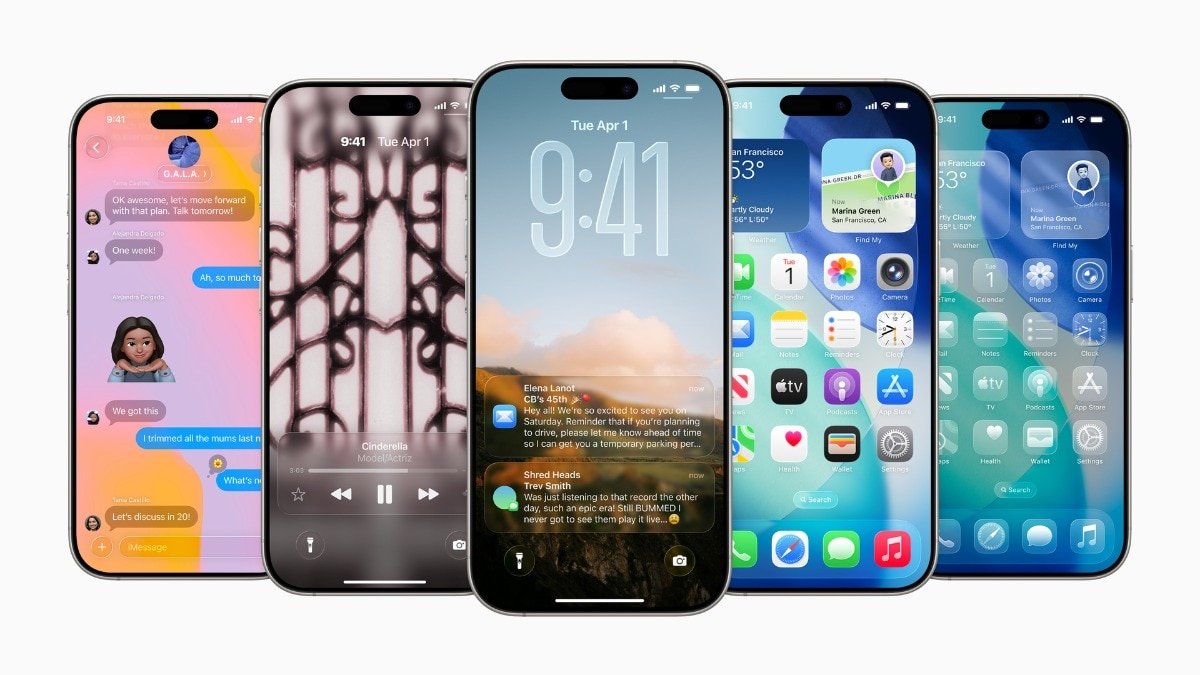

Apple’s latest iOS 26.3 update brings significant changes that impact how iPhone users engage with other platforms and devices. The update includes a built-in tool facilitating data transfer from an iPhone to an Android device and enables notification forwarding to third-party devices in specific regions. These new features align with regulatory standards while altering the perceived level of confinement within the Apple ecosystem for users.
The newly added native option in iOS 26.3 simplifies the process of transferring data from an iPhone to an Android smartphone without requiring additional applications. Users can initiate the transfer by placing the two devices in close proximity and selecting the desired information to be moved, making this feature universally accessible.
Data that can be transferred includes photos, videos, messages, notes, apps, passwords, phone numbers, and basic account data. Apple’s objective with this tool is to streamline the transition for users planning to switch away from iOS. However, certain data like health information, Bluetooth-paired devices, and protected items such as locked notes are intentionally excluded from the transfer, necessitating manual setup on the new Android device for these services.
The transfer process necessitates that both the iPhone and Android device meet specific criteria, including having the latest software updates, an active Wi-Fi connection, and enabled Bluetooth. Users can initiate the transfer by scanning a QR code displayed on the Android device or using a session ID and pairing code, offering compatibility across various Android brands.
In a bid to enhance user flexibility, Google already provides a similar data transfer system for users transitioning from Android to iPhone. With iOS 26.3, this transfer process now operates bidirectionally, enabling users to switch between platforms seamlessly. Apple and Google collaborated on this system to adhere to the European Union’s Digital Markets Act, ensuring worldwide availability in the iOS 26.3 beta under Settings > General > Transfer or Reset iPhone > Transfer to Android.
Another notable addition in iOS 26.3 is the introduction of “Notification Forwarding,” enabling iPhone notifications to be redirected to third-party devices like non-Apple smartwatches. This feature, located in the Notifications section of the Settings app, allows users to customize notification preferences.
Apple has imposed certain limitations on the notification forwarding feature, including forwarding notifications to only one device at a time, pausing notifications on the Apple Watch if enabled for a third-party wearable, selecting specific apps for forwarded notifications, and displaying the app name and full notification content in forwarded alerts.
While the Notification Forwarding feature is visible on iPhones globally with iOS 26.3, it is currently exclusive to users within the European Union due to regulatory requirements. Apple emphasizes that this limitation is intentional, complying with regulatory obligations rather than technical constraints.