

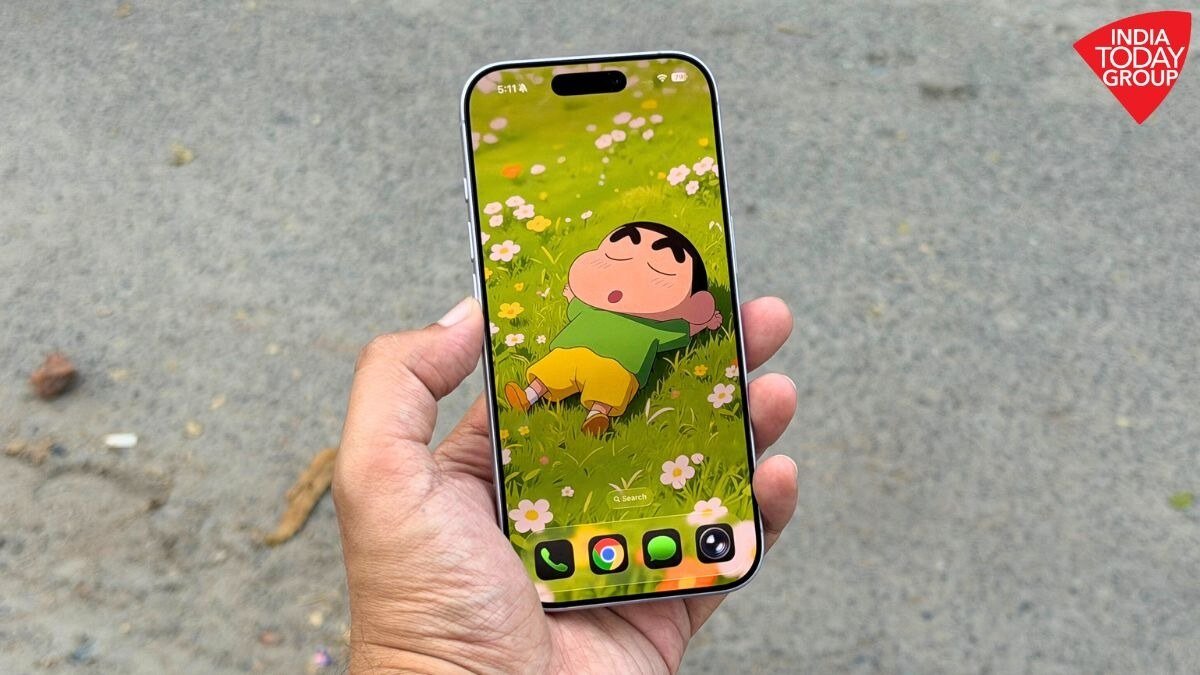

Apple has rolled out the latest iOS 26.1 update for iPhones, following the previous release of iOS 26 in September. This update, now accessible to all compatible iPhone users, focuses on enhancing the overall user experience through practical adjustments, visual enhancements, and quality-of-life upgrades. It addresses various user-reported issues, particularly concerning the Liquid Glass interface and the Lock Screen camera shortcut.
At its core, iOS 26.1 does not revolutionize the iPhone experience but rather refines it. Apple has concentrated on fine-tuning details to make daily interactions smoother, from visual adjustments to providing more control over common irritations.
A notable addition is the new Liquid Glass Transparency Toggle feature. Users can now personalize the level of interface transparency by selecting between “Clear” or “Tinted” modes in the Display and Brightness settings. The Tinted mode adds opacity to elements like buttons and notification panels, enhancing visibility and contrast. This feature directly addresses a frequently discussed visual concern since the release of iOS 26.
Another welcome change is the ability to disable the Lock Screen camera gesture. Apple has introduced a setting in the Camera section that allows users to turn off the left-swipe gesture, preventing accidental camera activations when the phone is in a pocket or bag. This minor yet impactful addition brings relief to many users.
The update also brings new customization options in the Phone app, enabling users to disable haptic feedback during call connections or endings, ideal for those who find the subtle vibrations distracting. Additionally, Alarms and Timers now feature a redesigned “Slide to Stop” gesture on the Lock Screen, reducing accidental dismissals and promoting intentional interactions.
Apple has expanded language support, with its on-device AI system now understanding additional languages such as Danish, Dutch, Turkish, and Vietnamese. This expansion aims to make Apple’s advanced features more accessible to a wider global audience. Furthermore, AirPods Live Translation now supports more languages like Japanese, Korean, and Chinese, enhancing real-time communication for users of compatible AirPods models.
Music enthusiasts will appreciate new features in Apple Music, including the ability to swipe across the song title to skip tracks, providing an intuitive gesture-based shortcut. AutoMix transitions in Apple Music now function seamlessly over AirPlay, delivering smoother playback on compatible speakers.
Design enhancements are evident across the system, with the Settings app and Home Screen folders transitioning from center-aligned to left-aligned headers for a cleaner and more modern layout. The Phone keypad now incorporates the Liquid Glass effect, and the Photos app boasts a refined video slider and reorganized editing options. Safari users will notice a slightly wider tab bar, reducing wasted space and enhancing browsing compactness.
In terms of security, Apple has implemented a new automatic background security update toggle under Privacy and Security settings, replacing the previous Rapid Security Response system. This feature allows devices to receive security patches without necessitating a full system update.
The Fitness app now offers fully customizable workouts, enabling users to create sessions by selecting workout type, calories, and duration with more flexibility. Accessibility upgrades include a new “Display Borders” toggle for better button visibility, replacing the previous “Button Shapes” feature.
Professionals and creators will appreciate the enhanced control over recordings, with options to choose a local storage location for call captures and adjust input gain when using external microphones. FaceTime now offers improved audio quality under weak network conditions, and Communication Safety settings have been refined for child accounts aged 13 to 17.
On the iPad side, iPadOS 26.1 reintroduces the Slide Over feature, allowing users to access a secondary app quickly without leaving the main window, enhancing multitasking capabilities. The update also introduces the Vision Pro app, aligning iPadOS with Apple’s expanding spatial computing ecosystem.
Users can download the iOS 26.1 update by navigating to Settings > General > Software Update. The update is compatible with all iPhones that support iOS 26, starting from the iPhone 11 and newer models, as well as the iPhone SE (2nd generation).